
At the time of writing this article the latest version of the client for playing online in Multi Theft Auto San Andreas is the MTA 1.3.1, which you can download from the links below.
Download MTA 1.3.1 from our site: mtasa-1.3.1.exe [19.67 Mb] (5295)
Download MTA 1.3.1 from the official site: MTA 1.3.1
To play GTA San Andreas online with MTA a stable Internet connection is required. Speed isn't as important as stability. For a comfortable game 256kbit/s should be enough. Also it's recommended to install GTA San Andreas to separate folder specially for MTA or to keep your game not overloaded with mods.
Fast navigation instructions:
- MTA Installation 1.3.1
- setting up and connecting to server
- IP address of our server
- Gameplay and controls on MTA server
MTA Installation 1.3.1
2. Run the installer of MTA:

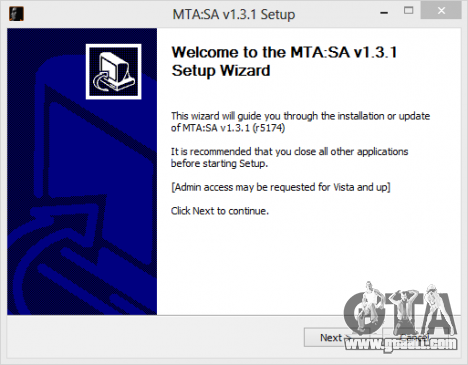
3. You will see the installer:

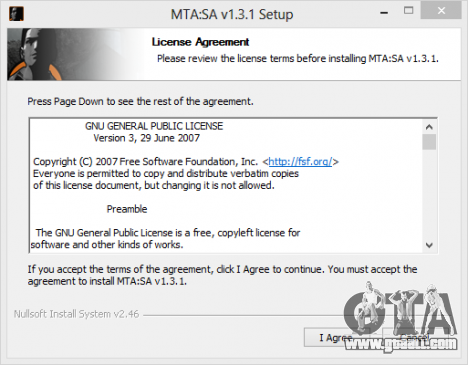
5. You will see the software license agreement window:

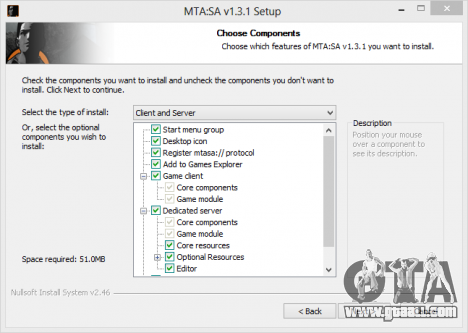
7. You will see a window with the list of components that will be installed:
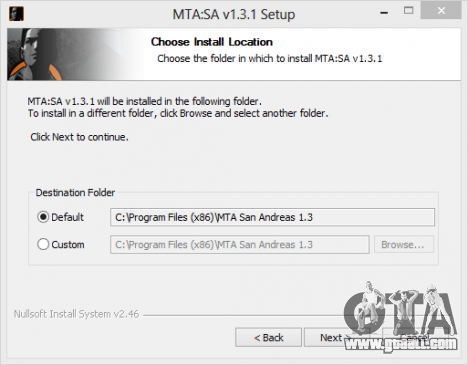
9. There will be a window in which you need to specify the installation directory for MTA San Andreas:
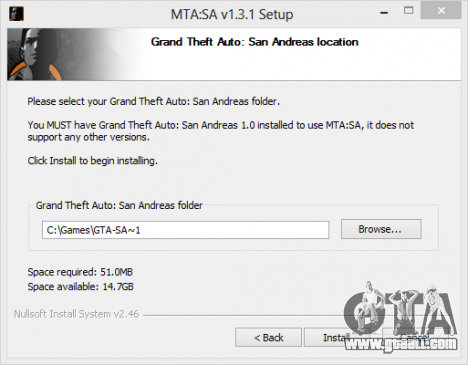
11. In this window you'll need to specify the directory of installed game GTA San Andreas. The MTA installer automatically should define a directory with the game, if not, please specify the directory manually:

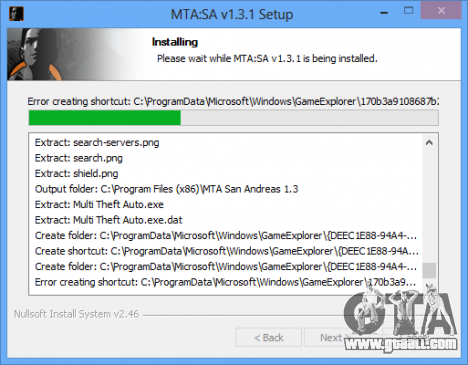
13. MTA San Andreas will be installed:
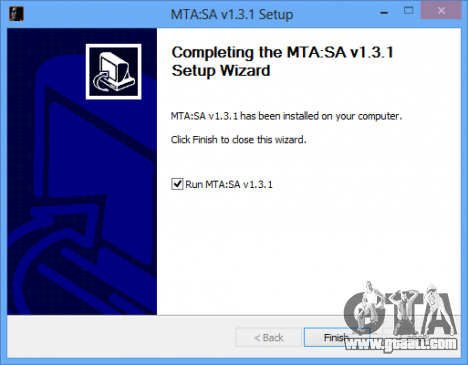
 to exit the installation program MTA.
Congratulations MTA 1.3.1 has installed on your computer!
Starting and configuring the connection to the servers of MTA San Andreas
- If not, then run the MTA 1.3.1 by clicking on the program shortcut on the desktop:

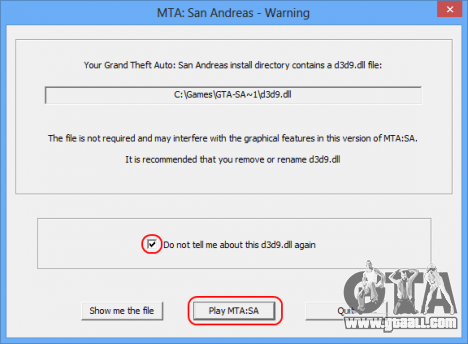


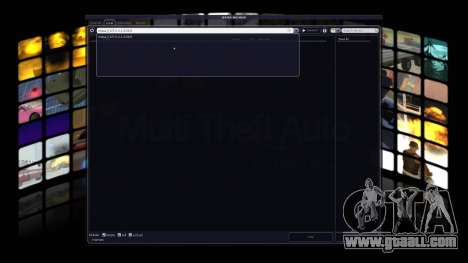
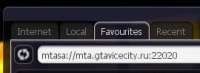
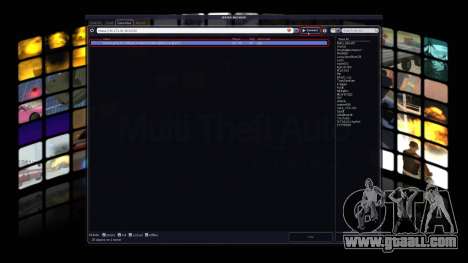
- tab Favourites:
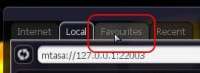
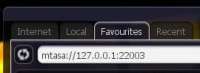
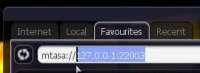


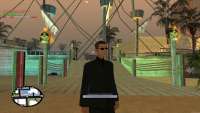
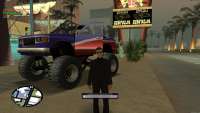
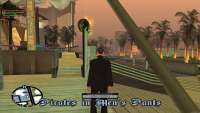
Gameplay on the MTA server
B - configure auto
T - write in the chat
Answers to your questions you will find in our official group of MTA server in Vkontakte:
![Vkontakte Group GTAViceCity.RU Official [OUTLOOK|WORKS][Drift]MTA](https://cs2.gtaall.com/attachments/4dc09/2013-10/large-fit/a66a73d03009c03c0ac05edef1e4990bc73f1a23/408-1366303144-mta-vk.png "Vkontakte Group GTAViceCity.RU Official [OUTLOOK|WORKS][Drift]MTA")