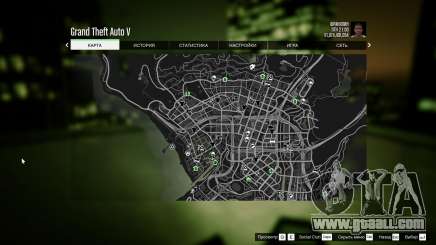
Some players encounter problems with the language in the newer versions of the game. The menus and subtitles may be shown in a different language (usually Chinese). But don’t worry, there’s a simple solution to this problem.
- Click Start, search for “regedit.exe” and open it;
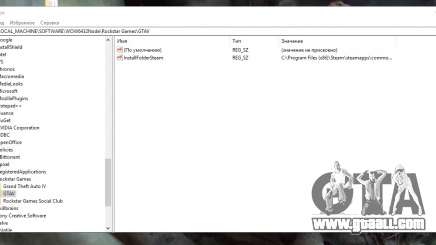
- Now go to HKEY_LOCAL_MACHINE > SOFTWARE > Wow6432Nde > Rockstar Games > GTA 5
- Find the “Language” parameter, click on it twice and type the preferred
- Language in the following form: en-US, fr-FR, de-DE etc.